
Minecraft mit Ansible
Auftrag
Ansible Installation und Setup
Installation
Alte Ansible Version entfernen
sudo apt remove ansible
sudo apt --purge autoremove
Update und Upgrade Rep
sudo apt update
sudo apt upgrade
Personal Package Archives auf die neuste Version konfigurieren
sudo apt -y install software-properties-common
sudo apt-add-repository ppa:ansible/ansible
Installieren von Ansible
sudo apt install ansible

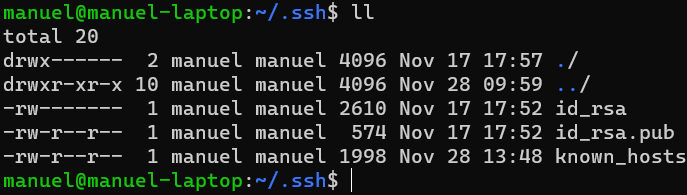
SSH Keys auf Ansible System kopieren
Inventory File erstellen
[minecraft]
primary ansible_host=192.168.66.71 ansible_user=manuel
Inventory Konfiguration testen
ansible all -i inventory --list-hosts

ansible all -i inventory –m ping
Playbook
Erstellen
---
- hosts: all
  tasks:
    - name: Print message
      debug:
        msg: Hello Ansible World
Testen
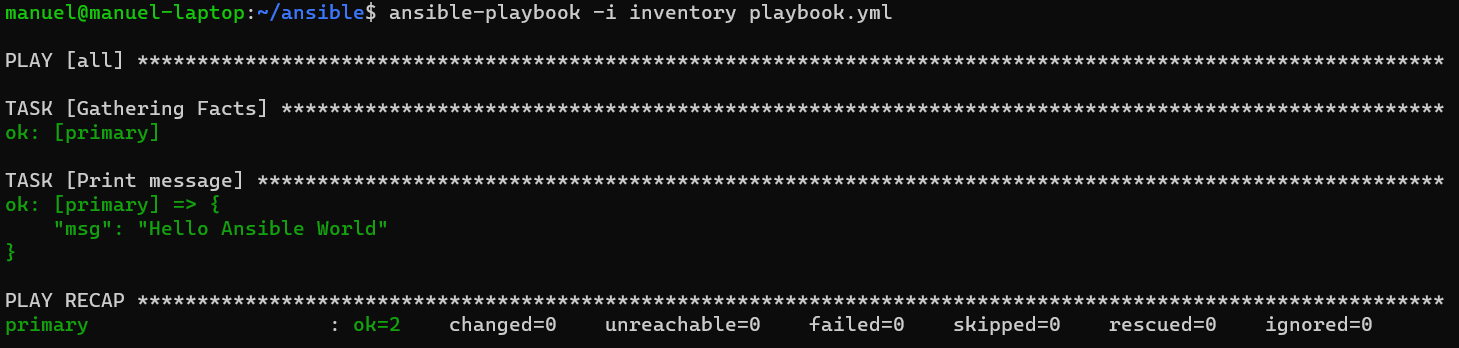
ansible-playbook -i inventory playbook.yml
Minecraft Docker Ansible Skript
Erstellen
---
- hosts: all
  become: yes
  tasks:
    - name: Install docker
      ansible.builtin.apt:
        name: docker.io
        update_cache: yes

    - name: Pull und run Minecraft Server
      community.docker.docker_container:
        name: mcserver
        image: itzg/minecraft-server
        restart_policy: always
        ports:
          - "25565:25565"
        env:
          EULA: "TRUE"
          VERSION: "1.18.2"
Testen
Mit Ansible auf die VM Installieren
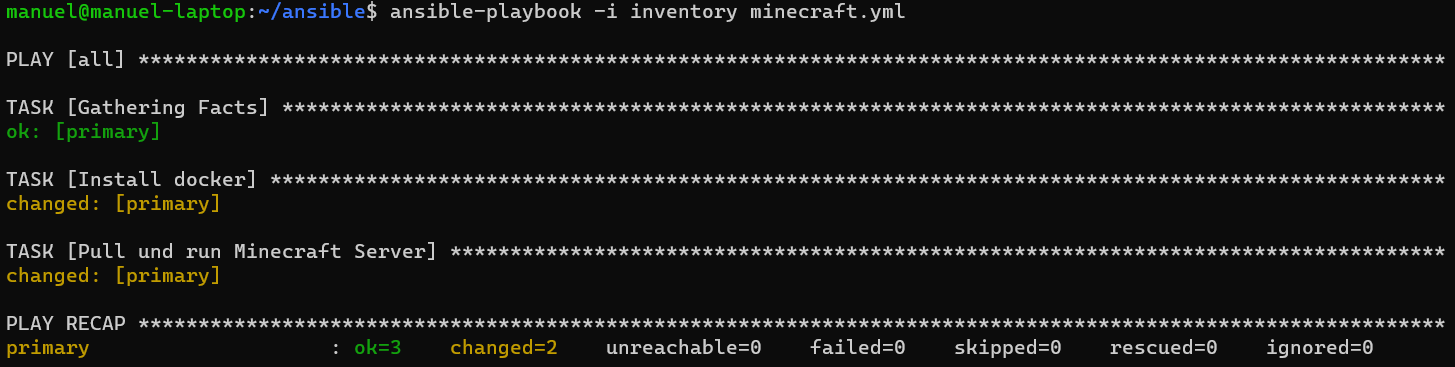
ansible-playbook -i inventory minecraft.yml
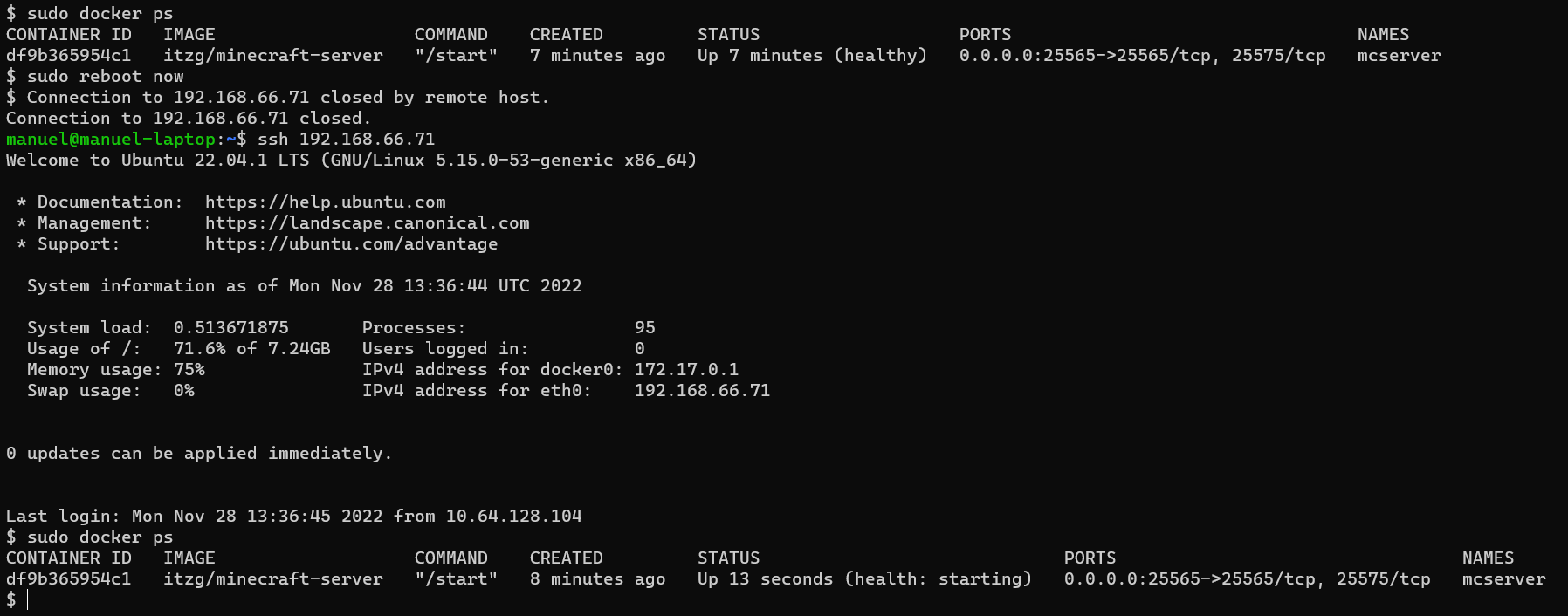
Auf VM kontrollieren ob Docker Container am laufen ist + Kontrollieren ob Container Automatisch startet.
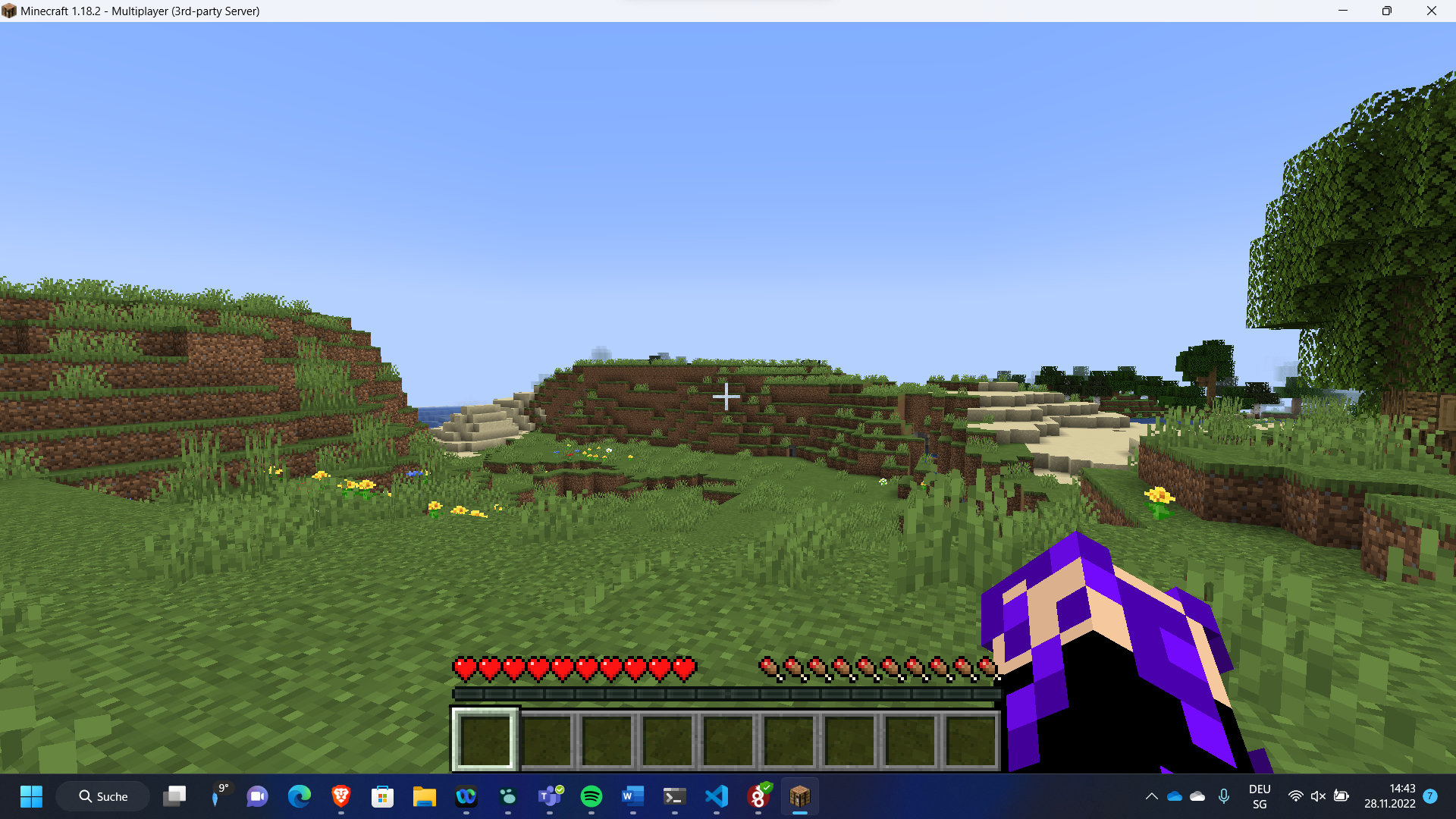
Auf Minecraft Server verbinden.

Schwierigkeiten
community.docker.docker_container hat zu anfangs nicht funktioniert da ich auf der Version 2.9.6 arbeitete (Per Teams Anleitung Installiert) und diese laut GitHub viele Bugs aufzuweisen hat.
No comments to display
No comments to display